



Mindful Moments Logo Mindful Moments Get Started
Get Started
April 2026 10 min read Intermediate

Best Apps for Guided Relaxation and Body Scan Sessions

Finding the right app can transform your relaxation practice. We’ve tested dozens to help you discover which guided experiences actually work for busy Hong Kong living.

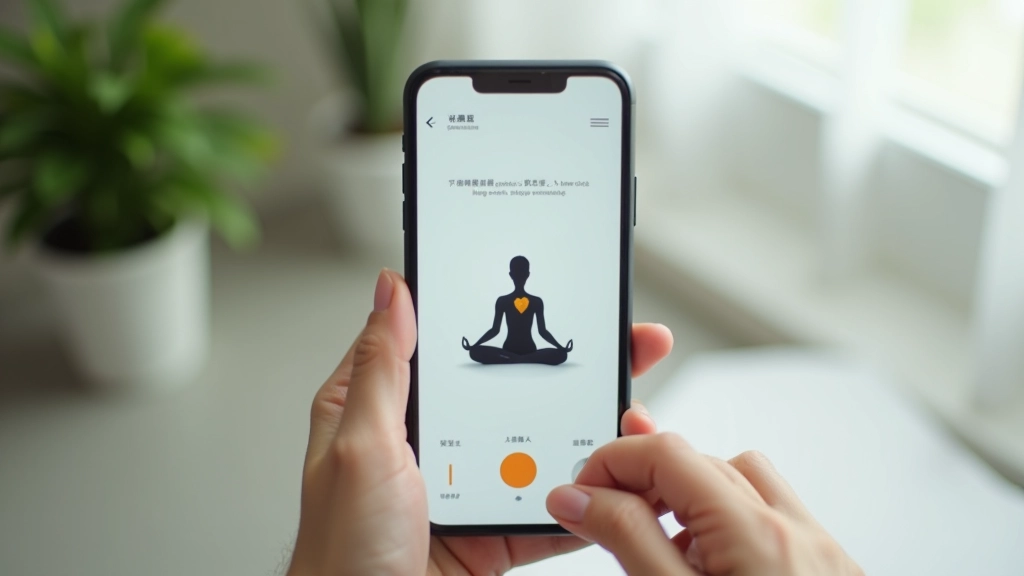
Close-up of hands holding smartphone displaying meditation app interface, person relaxing on comfortable sofa in modern apartment

There’s something genuinely different about having a calm voice guide you through a body scan at 11 PM when you can’t sleep. Apps like Calm, Insight Timer, and Headspace have become part of how thousands of people in Hong Kong manage stress — but which one’s actually worth your time? The answer depends on what you’re looking for.

We’ve spent weeks testing the most popular relaxation apps, focusing on guided sessions, body scan quality, and whether they work when you’ve got 10 minutes or 45 minutes. You don’t need an app that does everything. You need one that fits how you actually live.

What Makes a Good Relaxation App

Before diving into specific apps, here’s what we looked for:

Quality Instructors

Calming voices matter. A guide who speaks naturally, not in a rushed corporate tone, makes the difference between sticking with it and abandoning the app after two sessions.

Flexible Durations

Life in Hong Kong is unpredictable. You need 5-minute sessions for the MTR, 20-minute options for lunch, and longer practices for weekends. Apps that only offer 45-minute tracks don’t cut it.

Body Scan Depth

Not all body scans are created equal. The best ones guide you slowly through each body part, helping you actually notice tension you didn’t know you were holding.

Offline Access

Download and go. You shouldn’t need perfect WiFi in your quiet corner to do a relaxation session. Offline playback is essential.

Customization Options

Want to add background sounds? Skip the music? Choose your guide’s voice? Good apps let you tailor the experience rather than forcing one fixed approach.

Real Content Variety

Having 500 sessions sounds great until you realize they’re all variations of the same thing. Look for apps with genuinely different approaches — not just padding the library.

The Apps That Actually Work

Here’s what we found testing relaxation apps across different needs and schedules:

Calm — Best for Complete Relaxation

Calm’s approach is straightforward: premium production quality and a huge library of guided sessions. The body scan sessions range from 10 to 30 minutes, and the instructors have that perfect balance of being soothing without sounding robotic.

What we liked: The “Daily Calm” feature gives you a new 10-minute session every single day, which removes the decision fatigue of picking what to do. Background soundscapes are excellent — the rain sounds actually feel like rain, not white noise. The sleep stories work surprisingly well if you struggle with bedtime anxiety.

The catch: Premium membership is necessary to access most content. Free tier is quite limited. At around HK$50-60 per month, it’s not cheap, but many people find it worth it.

  • Body scans: 10-30 minutes
  • Offline downloads: Yes
  • Free trial: 7 days
  • Best for: Sleep and deep relaxation
Smartphone screen showing Calm app interface with meditation session options and ambient nature imagery
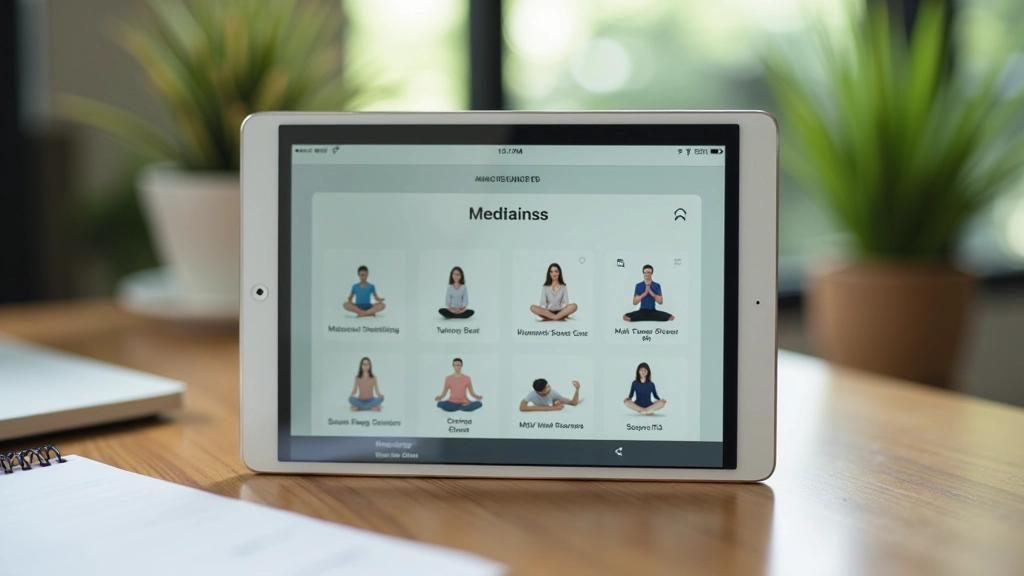
Tablet screen showing Insight Timer app with vast library of meditation sessions and instructor profiles

Insight Timer — Best for Variety and Value

Insight Timer is genuinely impressive because it works on a freemium model that doesn’t feel restrictive. You get thousands of free sessions from teachers worldwide, and yes, the quality varies, but that’s actually a feature. You’re more likely to find a voice and teaching style that resonates with you.

The body scan options are extensive. We found everything from 5-minute quick releases to 45-minute deep scans. Teachers bring different philosophies — some focus on tension release, others on mindfulness awareness. That diversity is why people keep coming back.

Real talk: Some sessions sound like they were recorded in someone’s bedroom, and that’s okay. The free tier is genuinely useful. Premium adds features like offline access and curated programs, but you won’t feel completely locked out without it.

  • Body scans: 3-60+ minutes (huge range)
  • Offline downloads: Premium feature
  • Free content: Extensive library
  • Best for: Finding your teacher, variety

Headspace — Best for Structured Learning

If you like structure and don’t want to choose, Headspace delivers. The app builds you a clear path: start with the basics, progress through courses, and develop a practice over time. It’s almost like having a teacher guiding your development rather than just handing you a jukebox of sessions.

The body scan program includes 8 progressive sessions that get gradually more detailed. By the eighth one, you’re scanning areas of your body you didn’t even know held tension. The pacing feels intentional rather than arbitrary.

The animation style is clean and modern, which some people find calming and others find slightly distracting. You can turn it off, thankfully. The narration is British-accented and consistently professional.

  • Body scans: Structured 8-session program
  • Offline downloads: Yes (premium)
  • Learning path: Clear progression
  • Best for: Building consistent practice
Smartphone showing Headspace app with animated character and structured meditation course layout
Laptop screen showing Ten Percent Happier app with meditation course library and instructor profiles

Ten Percent Happier — Best for Skeptics

This one’s for people who find typical meditation app language a bit too spiritual. The app takes a no-nonsense approach: here’s what science says about relaxation, here’s how to actually do it. The founder, Dan Harris, was a news anchor who came to meditation skeptically, and that perspective carries through the entire app.

The body scan sessions are straightforward and practical. No flowery language, no promises about “raising your consciousness.” Just: “Here’s how to notice where you’re tense and how to release it.” That clarity appeals to people who find other apps too mystical.

The teachers include neuroscientists and psychologists alongside traditional meditation instructors, which gives the content a different flavor than you’ll find elsewhere.

  • Body scans: 5-25 minutes, practical approach
  • Philosophy: Science-based, secular
  • Offline: Premium feature
  • Best for: Skeptics, data-driven learners

Quick Comparison: Which App For What

Short breaks (5-15 min)

Insight Timer or Calm Daily. Both have solid short sessions.

Deep 30+ min sessions

Calm or Insight Timer’s advanced teachers. Quality production matters here.

Sleep-focused

Calm’s sleep stories and wind-down sessions are genuinely helpful. Headspace has good body scans before bed too.

Building a habit

Headspace’s structured courses keep you consistent. Ten Percent Happier’s teacher model works too.

Free content priority

Insight Timer. You’ll actually have plenty to explore without paying anything.

Minimal learning curve

Calm. Simple, beautiful interface. You know what to do immediately.

How to Actually Stick With an App

Downloading an app is easy. Using it consistently? That’s harder. We’ve watched people download Calm, do three sessions, and never open it again. Here’s what makes the difference:

1

Start small, not ambitious

Don’t commit to 20 minutes daily if you’ve never meditated. Start with 5 minutes, 3 times a week. Once it’s a habit, you’ll naturally do more. People who jump straight to 20-minute sessions quit within two weeks.

2

Pick a specific trigger time

Not just “sometime this week.” Try “right after I wake up” or “during my lunch break at 1 PM.” Apps work best when they’re anchored to an existing routine.

3

Try multiple sessions before judging

Your first body scan might feel awkward. That’s normal. Do three different ones before deciding if the app isn’t for you. Sometimes it takes a session or two to get comfortable with the pacing.

4

Use offline mode strategically

Download sessions in advance for your commute or lunch break. Don’t rely on WiFi. The friction of finding WiFi is usually what kills the session before you even start.